Yoga Sequence Back Pain
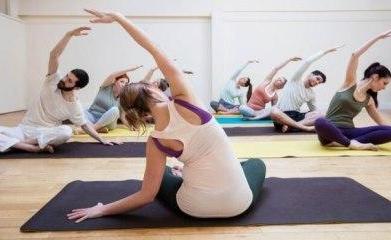
60 min practice list and sequence – back pain issue, slip disc, and sciatica. Centering (2 mins) Om chanting (2 mins) (3 times) Pranayama (3 mins) Full yogic breathing Warm-Up (8 mins) Neck rotations (3 sets) Neck side to side (4 sets) Neck up to down (4 sets) Shoulder rotations (5 sets) Arm rotations (5 sets) Stand on the toe to heel (5 sets) Ankle rotations (4 sets per ankle) Standing asanas (6 mins) Tadasana Vrksasana (modifications if needed – take wall support; keep hands to chest) Kneeling asanas (8 mins) Cat-Cow (5 rounds and hold) Bird Dog (5 rounds and hold) Supine asanas (6 mins) Setu Bandhasana (5 rounds and hold) Prone asanas (8 mins) Makarasana Ardha Salabhasana (5 rounds and hold) (modifications if needed: palms below the chin) Bhujangasana Relaxation (15 mins) Yoga Nidra Ending Prayer (2 mins) Sarve Bhavantu Sukinah
Yoga Sequence Cardiovascular
60 min practice list and sequence – cardiac problem Centering (2 mins) Om chanting (2 mins) (3 times) Pranayama (5 mins) Nadi Shodhana (long inhale and exhale without holding the breath for too long) (6 rounds) Warm-Up (12 mins) Seated: Neck rotations (3 sets) Neck side to side (3 sets) Neck up to down (3 sets) Butterfly stretch (10 times) Cat – cow (5 rounds) Standing: Shoulder rotations (3 sets) Arm rotations (3 sets) Side twists (5 ets) Stand on toe to heel (5 sets) Ankle rotations (3 sets per ankle) Standing Asanas (8 mins) Tadasana Garudasana (modifications if needed: take wall support; use a yoga block) Sitting Asanas (8 mins) Gomukhasana (modifications if needed: use a yoga strap) Padmasana Supine Asanas (8 mins) Supta Baddha Konasana (modifications if needed: use a cushion) Jathara Parivartanasana (modifications if needed: keep knees bent) Relaxation (12 mins) Savasana Ending Prayer (3 mins) Sarve Bhavantu Sukinah
Isotonic Contraction and asanas
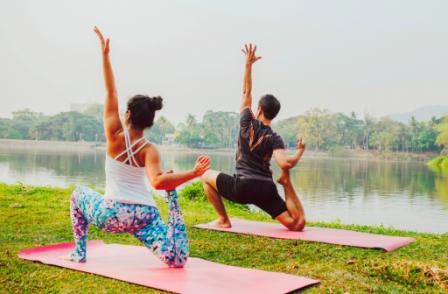
Eccentric Downward movement of joint. Tension is produced when the muscle lengthens. Concentric Upward movement. Tension is produced when the muscle shortens. Causes joint movement. When you move in and out of a pose, you are likely using concentric and eccentric contractions
Isometric Contraction and asanas
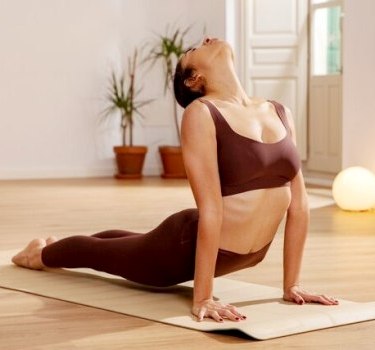
This is a contraction in which movement does not take place, because the tension generated by the contracting muscle exceeds the load on the muscle. This occurs when you use your muscles to successfully push or pull an object Isometric contractions are very common in yoga, particularly when poses are held for several breaths. Thus, when you hold any pose, the contractions are likely isometric.
anaerobic hatha yoga.
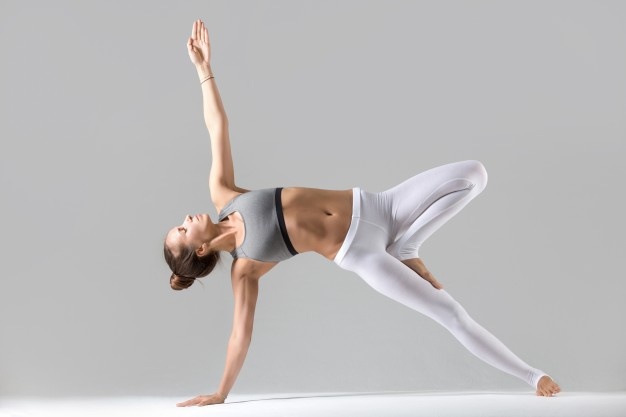
This happens without oxygen, fuel comes from muscle storage and is short, highly intense and burns fat directly. Example is weightlifting. More fast twitch muscle fibres are produced for strength. It increases lactic acid tolerance for endurance. It increases glycolysis, ATP, CP and creatine.
Aerobic hatha yoga
This takes place with oxygen where carbohydrate and oxygen are used as fuel for the first two minutes after which fat is burned. These are lower intensity activities. More fat for energy is used and leads to a better ability to burn fat. Blood vessels increase and become bigger to accommodate the oxygen being used. It changes the composition of muscle fibers which contract slower and at a lower intensity. Aerobic activity increases this type one muscles which increases endurance and performance. Aerobic activity increases mitochondria which improved the aerobic capacity of muscles.
Fast twitch muscle fiber (type -2), with hatha yoga practices.
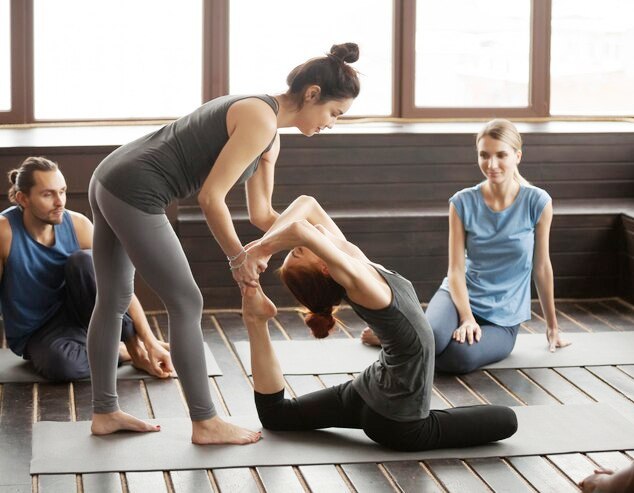
The greater your aerobic capacity, the longer your muscles can function without fatiguing or burning out. Type IIa fibers have more potential for increased aerobic capacity, whereas Type IIb fibers produce the highest energy forces within the quickest window of fatigue.
slow twitch muscle fiber (type -1), hatha yoga style
Slow-twitch, or Type I muscle fibers, are skeletal muscle fibers that slowly contract. Slow-twitch muscle fibers support everyday actions, like standing from a seated position and maintaining normal posture. Sun Salutation can be the respective hatha yoga style
hamstring muscles.
Hamstring muscles are in the back of the thigh, starting at the hip and inserting to the knee. The three hamstring muscles are: Biceps femoris, closest to the outside of your body. The function of this hamstring is to flex your knee, extend the thigh at your hip and rotate your lower leg from side-to-side when your knee is bent. Semimembranosus, closest to the middle of your body. This hamstring flexes your knee joint, extends your thigh at your hip and offers medial rotation for your hip and lower leg. Semitendinosus, between the semimembranosus and the biceps femoris. The function of this hamstring matches that of the semimembranosus.
quadriceps muscles
The quadriceps are a group of muscles present on the front of the thigh. They consist of four distinct muscles: the rectus femoris, the vastus lateralis, the vastus intermedius, and the vastus medialis. They are responsible for extending the leg and helping with movements such as walking and jumping.